PLAY MODE
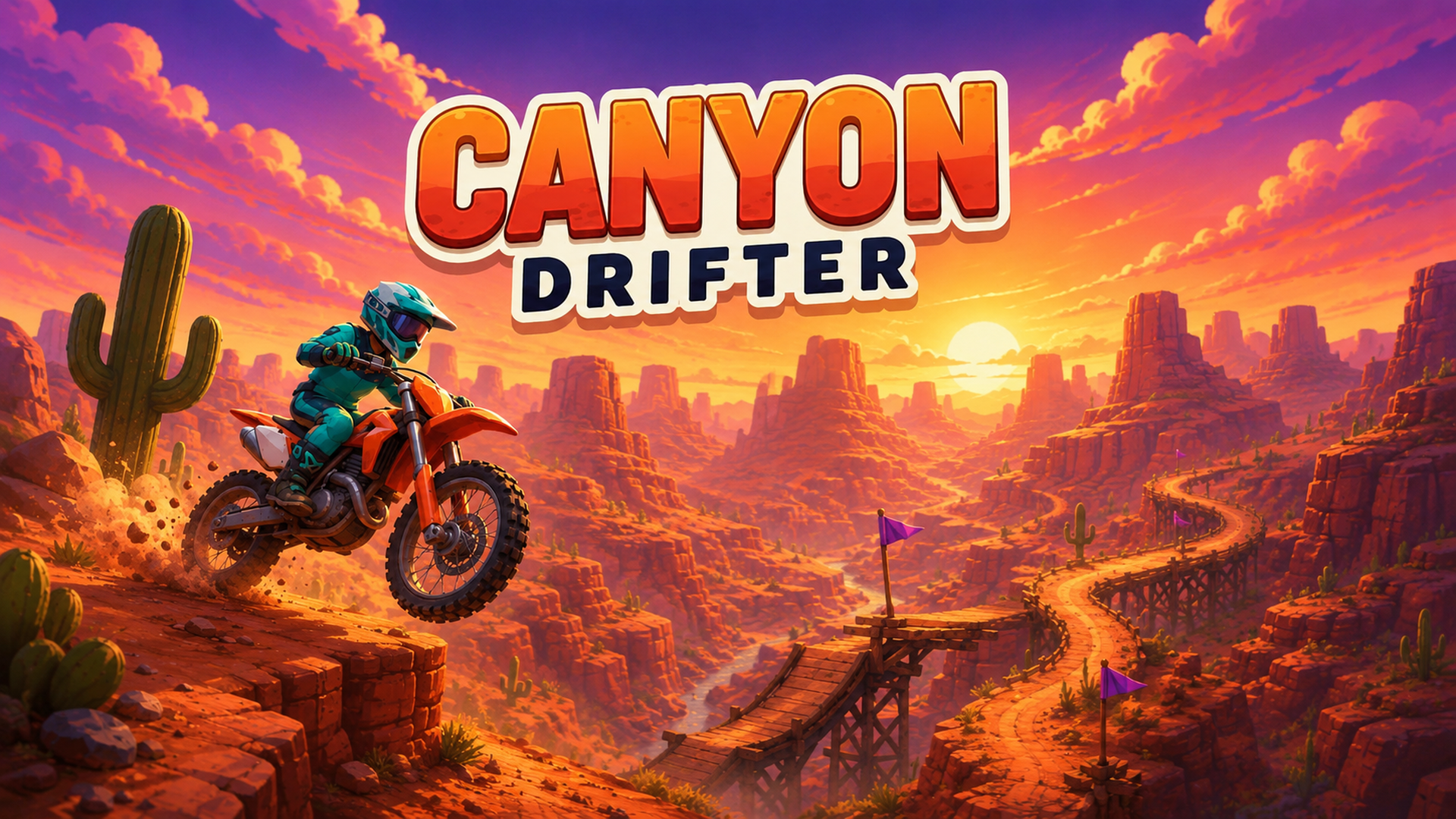
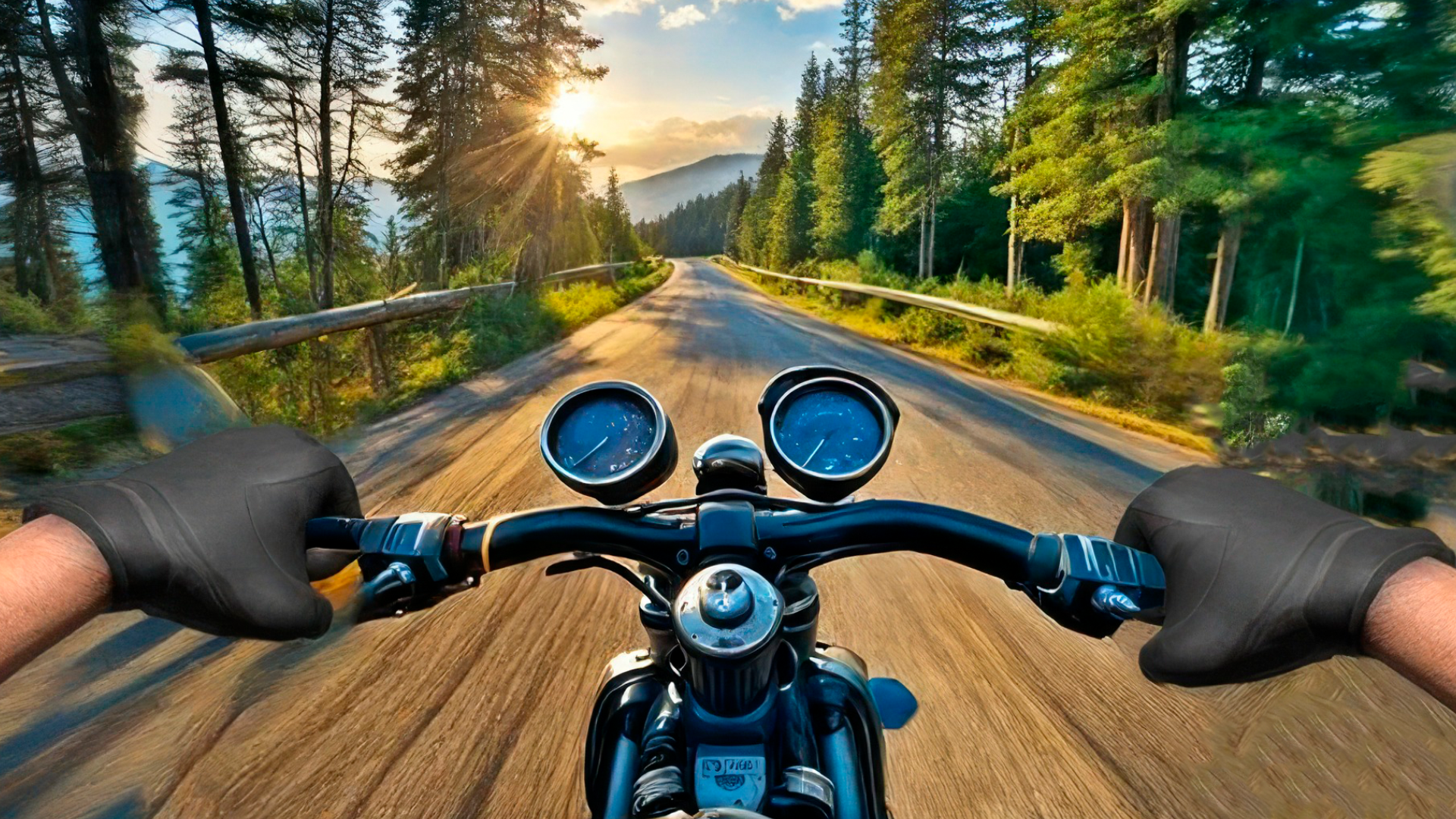
Canyon Drifter game artworkReady to play

Racing · browser game

Canyon Drifter

Play Canyon Drifter online in this racing game from the approved Playgama catalog. 2D moto-trial built around tough tracks and dialing in your bike. Pick a build for the dirt and the terrain, clear steep climbs and jumps by leaning for balance, and fight for the best time on the leaderboard. Stuck on a track you just can't clear? Head to the garage, retune your bike, and suddenly it's rideable. How to play: Keyboard: - Throttle — Up arrow or W - Brake / reverse — Down arrow or S - Lean back (lift the front wheel) — Left arrow or A - Lean forward (drop the nose) — Right arrow or D - Pause — Esc or P - Restart — R On phone: four on-screen buttons appear on your first touch — throttle and brake top right and left, lean forward/back at the bottom. Pause and restart sit in the top-right corner.
Play now

No install. Loads after your click.

About the game

Play Canyon Drifter online

Play Canyon Drifter online in this racing game from the approved Playgama catalog. 2D moto-trial built around tough tracks and dialing in your bike. Pick a build for the dirt and the terrain, clear steep climbs and jumps by leaning for balance, and fight for the best time on the leaderboard. Stuck on a track you just can't clear? Head to the garage, retune your bike, and suddenly it's rideable. How to play: Keyboard: - Throttle — Up arrow or W - Brake / reverse — Down arrow or S - Lean back (lift the front wheel) — Left arrow or A - Lean forward (drop the nose) — Right arrow or D - Pause — Esc or P - Restart — R On phone: four on-screen buttons appear on your first touch — throttle and brake top right and left, lean forward/back at the bottom. Pause and restart sit in the top-right corner.
Controls & objective

How to play

Keyboard: - Throttle — Up arrow or W - Brake / reverse — Down arrow or S - Lean back (lift the front wheel) — Left arrow or A - Lean forward (drop the nose) — Right arrow or D - Pause — Esc or P - Restart — R On phone: four on-screen buttons appear on your first touch — throttle and brake top right and left, lean forward/back at the bottom. Pause and restart sit in the top-right corner.
Source: Playgama partner catalog · Provider page