PLAY MODE
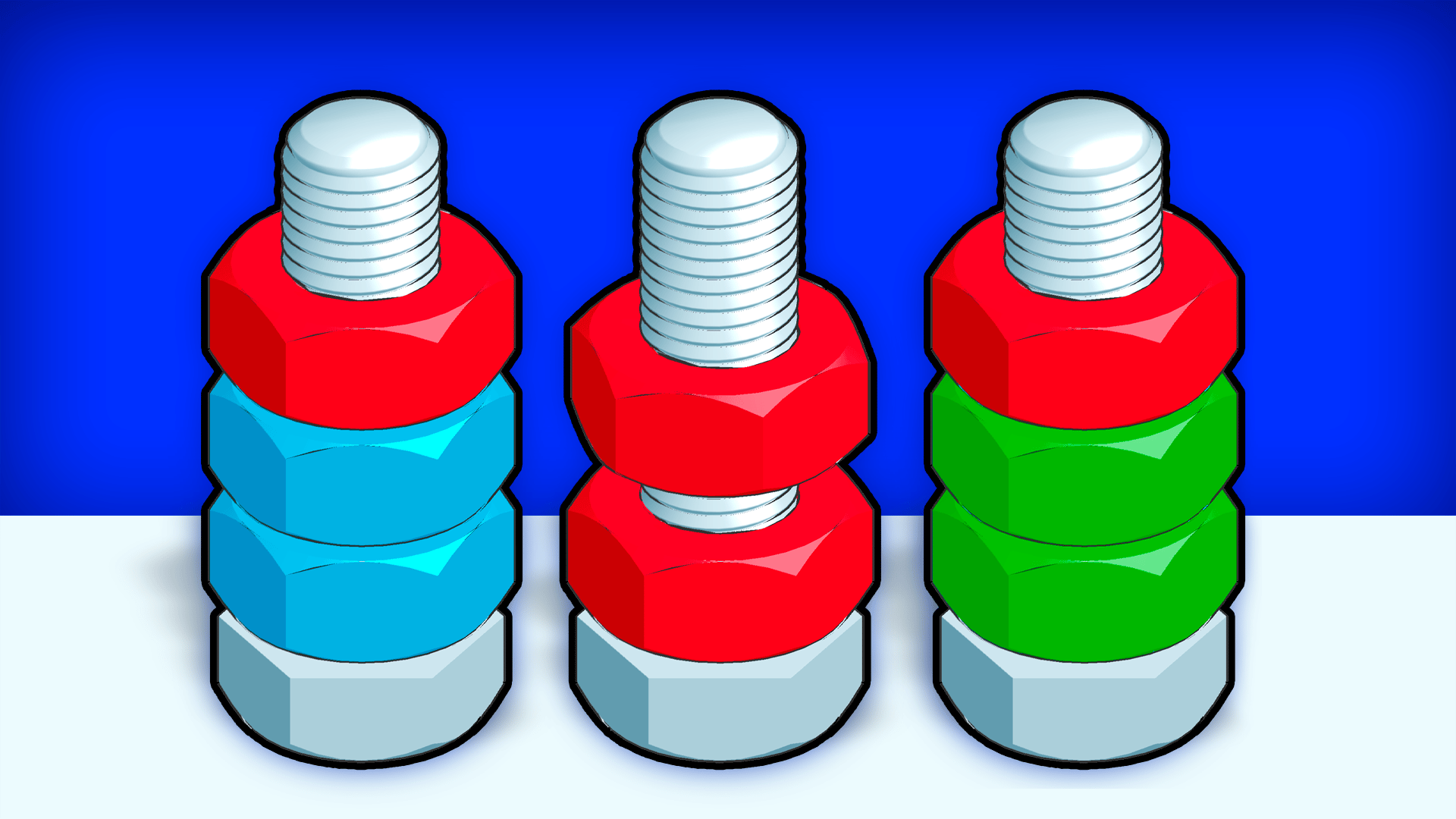
Colors&Forms game artworkReady to play

Puzzle · browser game

Colors&Forms

Play Colors&Forms online in this puzzle game from the approved Playgama catalog. Colors&Forms is a thrilling online game that tests your reflexes and strategy. Enjoy a variety of entertaining puzzles and colorful designs without any downloads. With different game modes available, you’ll find countless challenges to complete as you progress through the levels. How to play: The control is simple - move the pieces at the bottom of the tracks to match the falling elements and complete the missions on each level. Before the game, choose the appropriate game mode by speed. Be careful, there may be objects on the screen that you need to interact with by clicking on them. To switch the type of game, use the button with the image of a castle. Change the language, disable music and sound effects in the game settings.
Play now

No install. Loads after your click.

About the game

Play Colors&Forms online

Play Colors&Forms online in this puzzle game from the approved Playgama catalog. Colors&Forms is a thrilling online game that tests your reflexes and strategy. Enjoy a variety of entertaining puzzles and colorful designs without any downloads. With different game modes available, you’ll find countless challenges to complete as you progress through the levels. How to play: The control is simple - move the pieces at the bottom of the tracks to match the falling elements and complete the missions on each level. Before the game, choose the appropriate game mode by speed. Be careful, there may be objects on the screen that you need to interact with by clicking on them. To switch the type of game, use the button with the image of a castle. Change the language, disable music and sound effects in the game settings.
Controls & objective

How to play

The control is simple - move the pieces at the bottom of the tracks to match the falling elements and complete the missions on each level. Before the game, choose the appropriate game mode by speed. Be careful, there may be objects on the screen that you need to interact with by clicking on them. To switch the type of game, use the button with the image of a castle. Change the language, disable music and sound effects in the game settings.
Source: Playgama partner catalog · Provider page