PLAY MODE
Fruit Mahjong game artworkReady to playPlay now

Puzzle · browser game

Fruit Mahjong

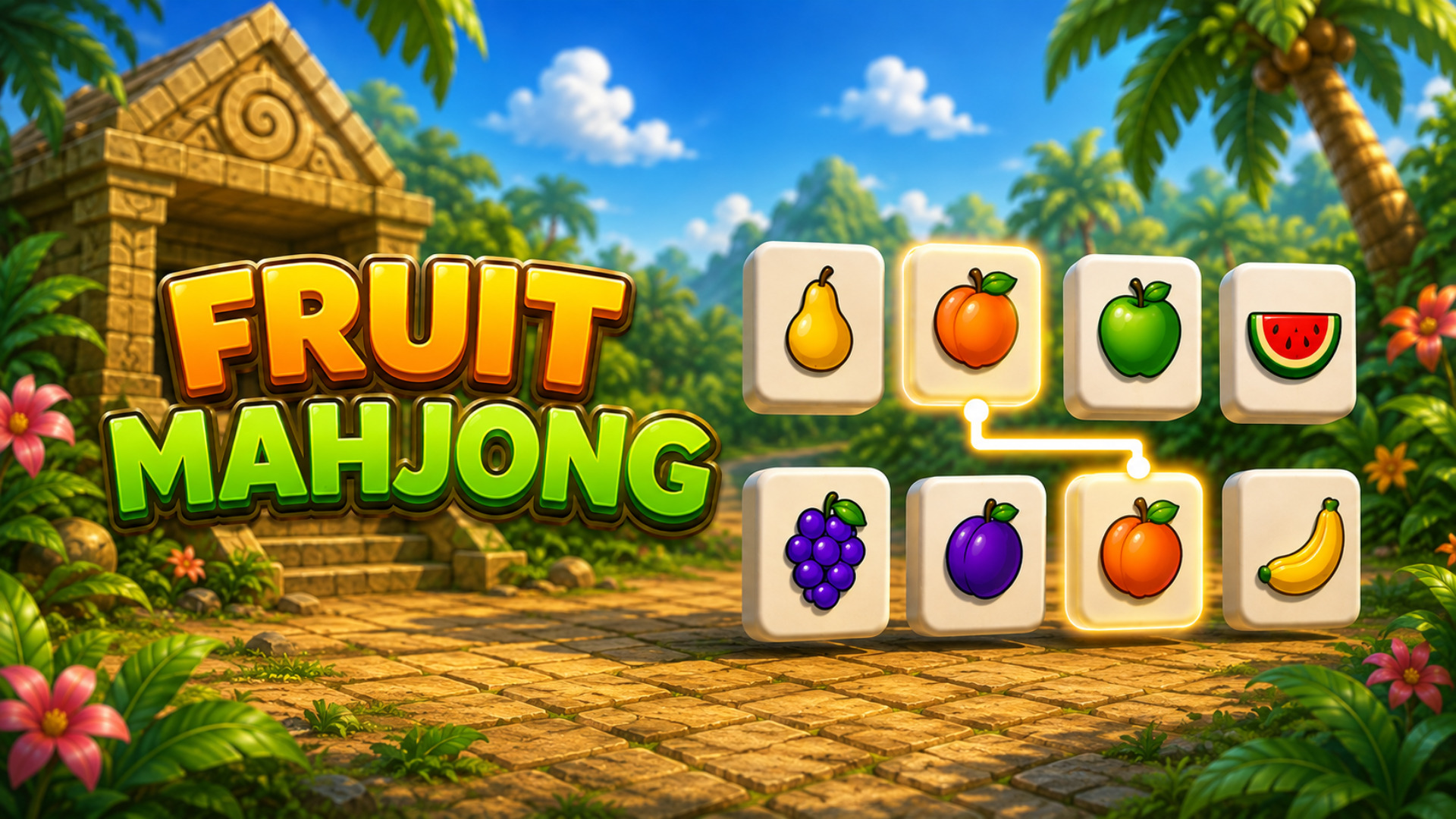
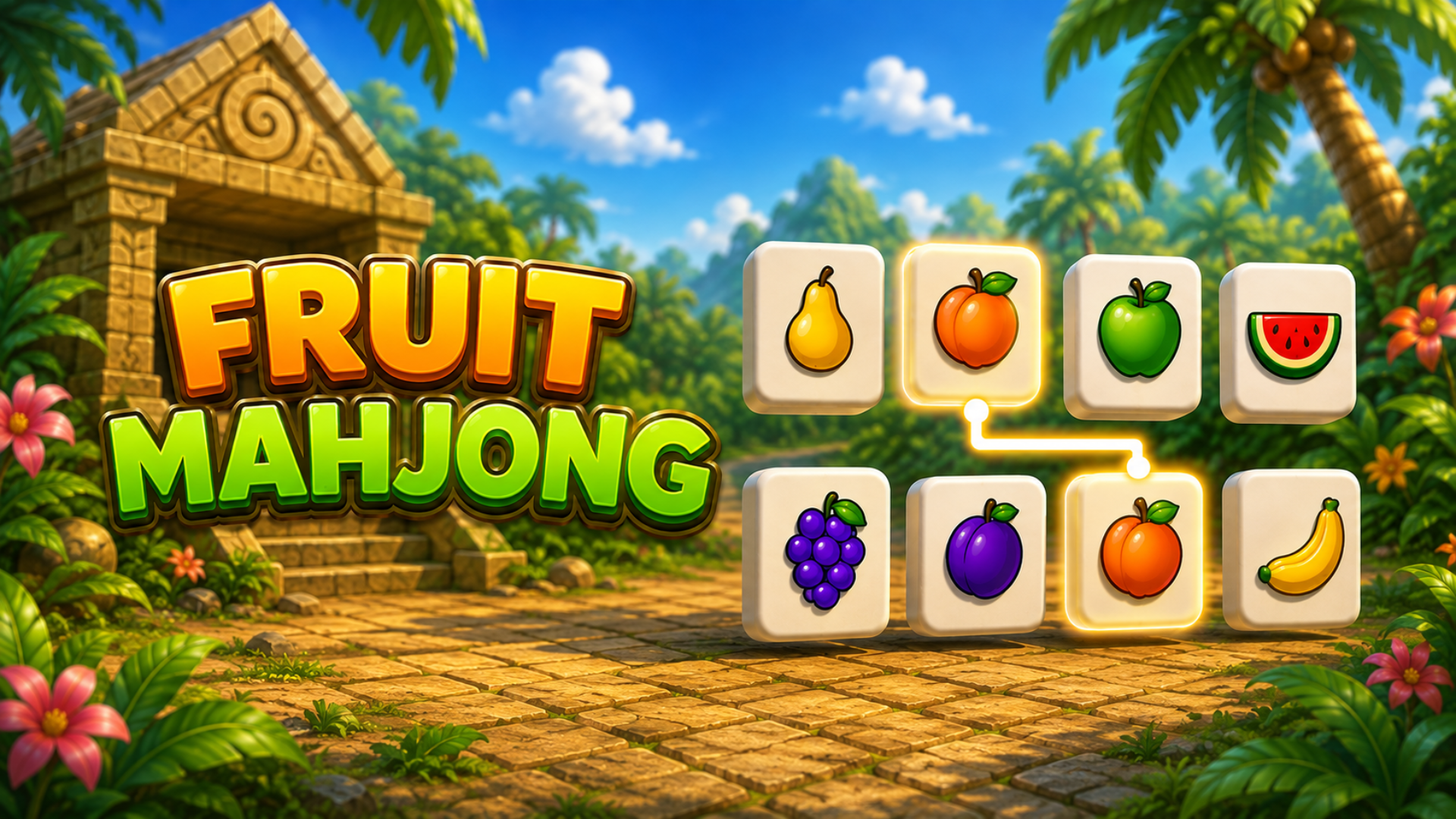
Play Fruit Mahjong online in this puzzle game from the approved Playgama catalog. Fruit Mahjong is mahjong solitaire with a twist you can see from every angle. Juicy fruit tiles are stacked into layered arrangements in front of an ancient jungle temple — and the match you're hunting for might be sitting on the far side. Drag to orbit the board, spot the pair, clear the stack. One six-minute clock runs across all 50 levels. Every board you clear buys you ten more seconds, so the deeper you go, the tighter it gets. Match fast to build a combo: each pair in a chain scores more than the last, and the match chime climbs in pitch as your streak grows — break the chain and the multiplier resets. How to play: Controls Select a tile — click or tap it. Your pick is shown at the top of the screen. Rotate the board — drag with the mouse or one finger. It spins a full 360°.

Play nowPin

No install. Loads after your click.

Before you play

What to expect before you start

  • The browser player for Fruit Mahjong loads only after you choose Open player. No portal download is required.
  • Because it runs in a standard web browser, you can play on a desktop, laptop or Chromebook without installing anything.
  • This release is attributed to Playgama partner catalog; provider availability, advertising and saved progress can be controlled outside Play Mode.
  • The provider currently lists support for For Android, For iOS, For Desktop.
  • The provider lists landscape and portrait as the supported screen orientation.
Controls & objective

How to play

Controls Select a tile — click or tap it. Your pick is shown at the top of the screen. Rotate the board — drag with the mouse or one finger. It spins a full 360°. Zoom — mouse wheel, or pinch with two fingers.

Source: Playgama partner catalog · Provider page