PLAY MODE
Game Factory game artworkReady to play

Arcade · browser game

Game Factory

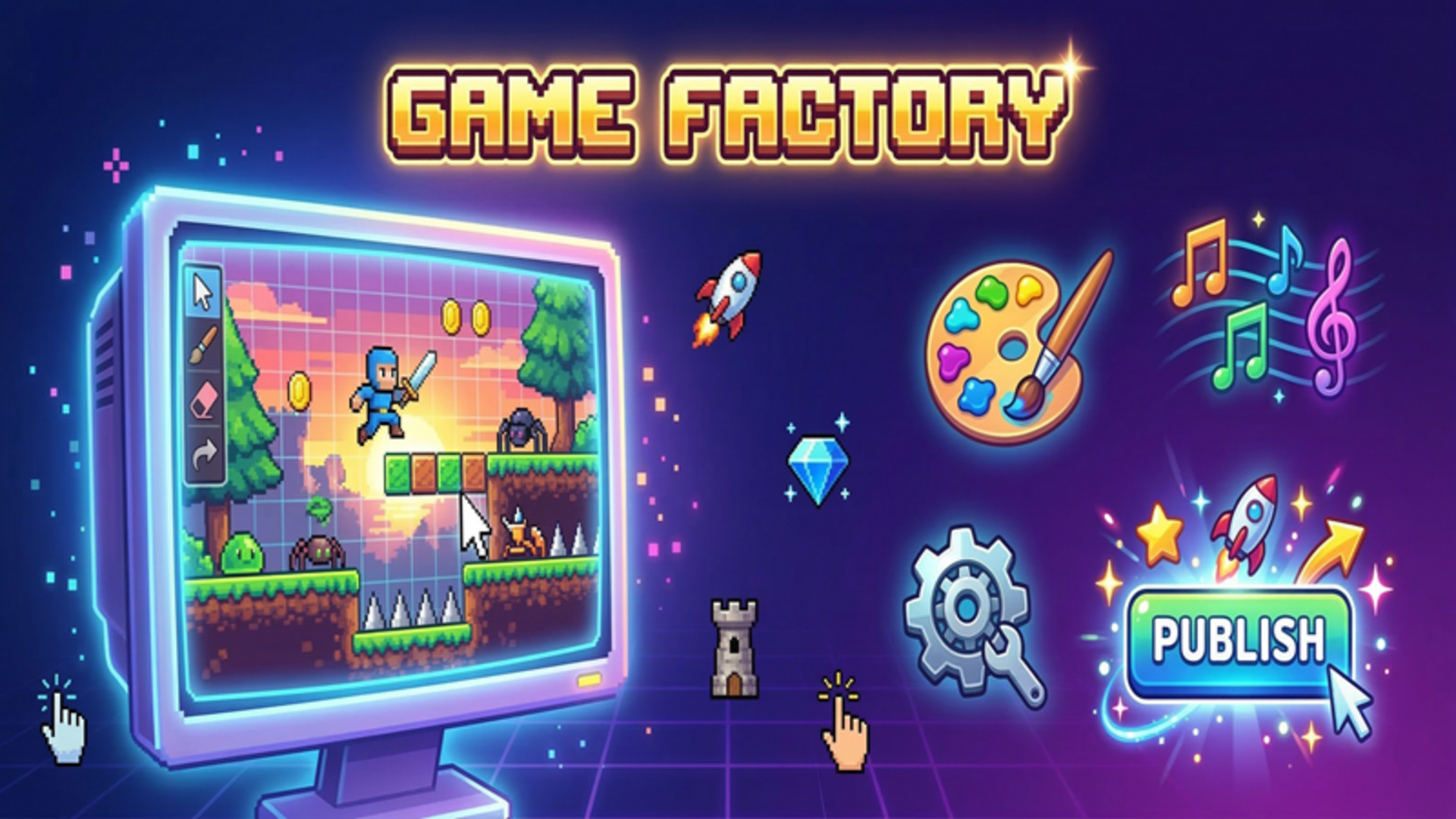
Play Game Factory online in this arcade game from the approved Playgama catalog. A full-featured game development studio right on your device! Choose from 6 genres — platformer, clicker, shooter, match-3, runner, or tower defense — and create unique games from scratch. Draw pixel sprites, customize levels, pick music, and share your creations with friends! Create, test, publish, and earn coins for your games. Upgrade your studio, unlock new genres and sprite packs! How to play: 1. Click "Create Game" and choose a genre 2. Customize the settings: speed, gravity, number of enemies, and more 3. Go to Drawing — create your own unique sprites or pick from ready-made ones 4. Choose a music track in the Sounds tab 5. Click Test — play your game! 6. When everything is ready — click Publish and earn coins and XP 7. Share your games with friends using a code — they'll be able to play your.
Play now

No install. Loads after your click.

About the game

Play Game Factory online

Play Game Factory online in this arcade game from the approved Playgama catalog. A full-featured game development studio right on your device! Choose from 6 genres — platformer, clicker, shooter, match-3, runner, or tower defense — and create unique games from scratch. Draw pixel sprites, customize levels, pick music, and share your creations with friends! Create, test, publish, and earn coins for your games. Upgrade your studio, unlock new genres and sprite packs! How to play: 1. Click "Create Game" and choose a genre 2. Customize the settings: speed, gravity, number of enemies, and more 3. Go to Drawing — create your own unique sprites or pick from ready-made ones 4. Choose a music track in the Sounds tab 5. Click Test — play your game! 6. When everything is ready — click Publish and earn coins and XP 7. Share your games with friends using a code — they'll be able to play your.
Controls & objective

How to play

1. Click "Create Game" and choose a genre 2. Customize the settings: speed, gravity, number of enemies, and more 3. Go to Drawing — create your own unique sprites or pick from ready-made ones 4. Choose a music track in the Sounds tab 5. Click Test — play your game! 6. When everything is ready — click Publish and earn coins and XP 7. Share your games with friends using a code — they'll be able to play your creation!

Source: Playgama partner catalog · Provider page