PLAY MODE
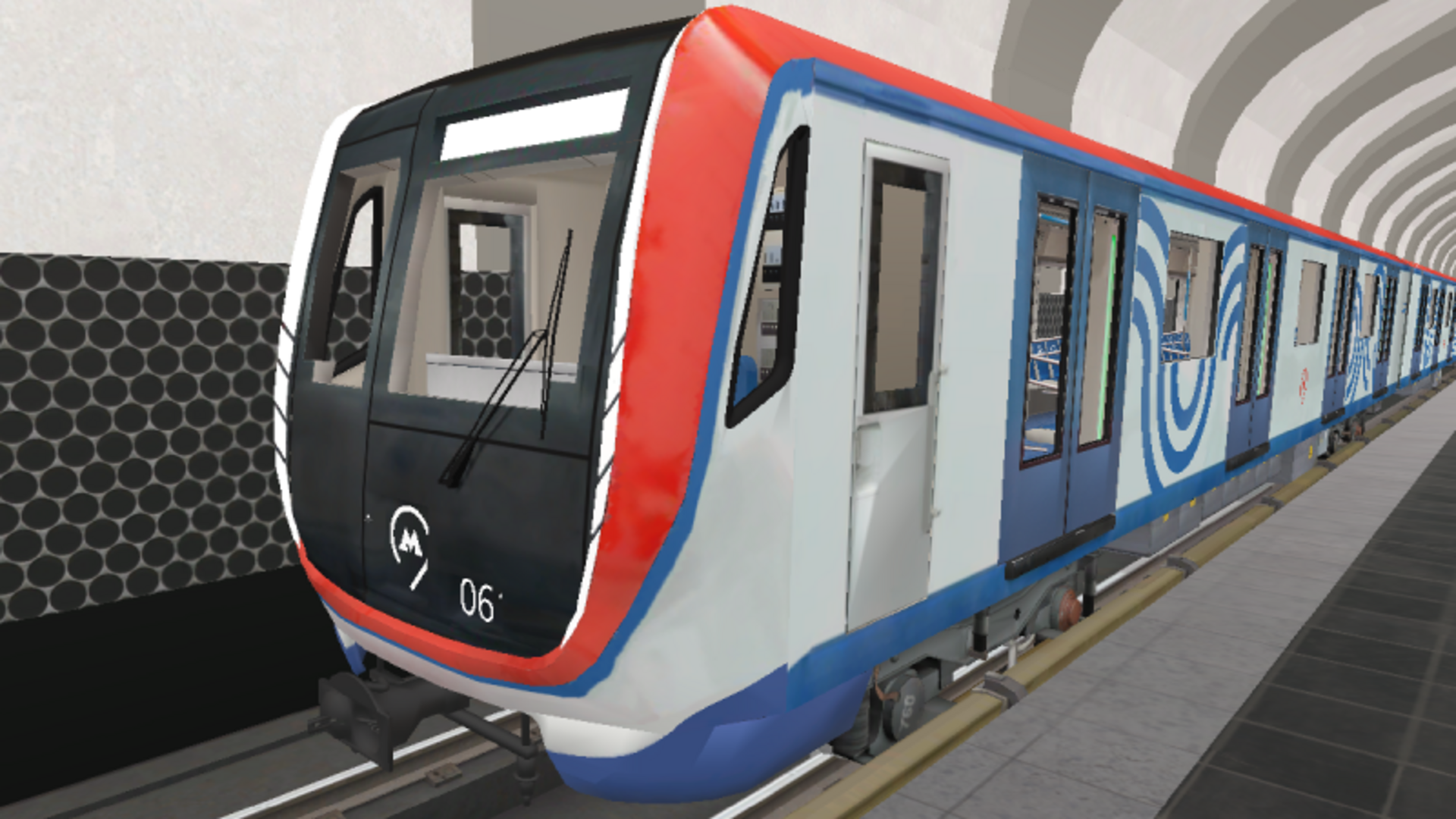
Moscow Metro Simulator game artworkReady to play

Simulation · browser game

Moscow Metro Simulator

Play Moscow Metro Simulator online in this simulation game from the approved Playgama catalog. Drive a Moscow metro train, transport passengers, explore stations! • Metro lines: - Kalininskaya (8) (Tretyakovskaya, Marksistskaya, Ploshchad Ilyicha, Aviamotornaya, Shosse Entuziastov, Perovo, Novogireyevo, Novokosino) • Trains: - "Nomernoy" 81-717/714; - "Oka" 81-760/761; - Wagon type "E" 81-703; - "Moscow" 81-765/766. • Informant: the real records of the informant of the Moscow metro. • Game Modes: - Driver mode: control the Moscow metro train; - Training: learn how to drive a train. How to play: Train control: - Speed dial: move the controller on the left to the position "X1", "X2", "X3" or "X4"; - Speed reduction: move the controller on the left to the position "T1", "T2" or "T3"; - Start recording.


Play now

No install. Loads after your click.

About the game

Play Moscow Metro Simulator online

Play Moscow Metro Simulator online in this simulation game from the approved Playgama catalog. Drive a Moscow metro train, transport passengers, explore stations! • Metro lines: - Kalininskaya (8) (Tretyakovskaya, Marksistskaya, Ploshchad Ilyicha, Aviamotornaya, Shosse Entuziastov, Perovo, Novogireyevo, Novokosino) • Trains: - "Nomernoy" 81-717/714; - "Oka" 81-760/761; - Wagon type "E" 81-703; - "Moscow" 81-765/766. • Informant: the real records of the informant of the Moscow metro. • Game Modes: - Driver mode: control the Moscow metro train; - Training: learn how to drive a train. How to play: Train control: - Speed dial: move the controller on the left to the position "X1", "X2", "X3" or "X4"; - Speed reduction: move the controller on the left to the position "T1", "T2" or "T3"; - Start recording.

Controls & objective

How to play

• Train control: - Speed dial: move the controller on the left to the position "X1", "X2", "X3" or "X4"; - Speed reduction: move the controller on the left to the position "T1", "T2" or "T3"; - Start recording the informant: a button with a speaker on the bottom right; - Doors: a button with doors on the bottom right (to open the doors, you need to be at the station, no more than 3 meters from the rail); - Camera - camera button in the upper left corner; - Switch headlights - a button with a light indication on the bottom right; - Beep - hold down the button with the pipe from the bottom right. • Walking through the stations: - Get off the train: the "Get off the train" button on the bottom left (appears when stopping at the station, no more than 3 meters from the rail); - Get back on the train: the "Get back on the train" button on the bottom left; - Walking: Desktop: WASD | Mobile devices: Left joystick; - Camera rotation: Desktop: Mouse movement | Mobile devices: The right joystick

Source: Playgama partner catalog · Provider page