PLAY MODE
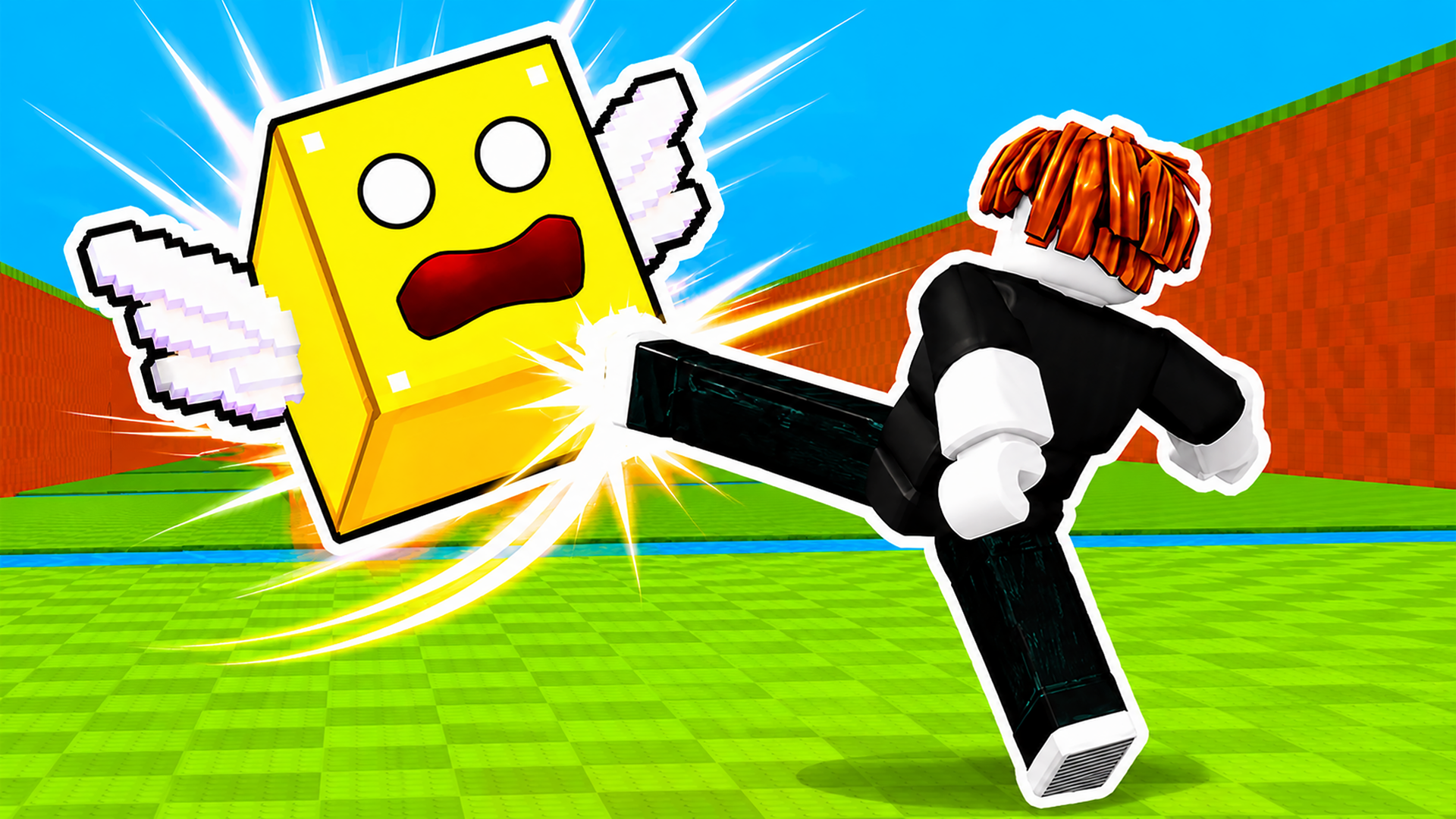
Obby Easy Grow! game artworkReady to play

Arcade · browser game

Obby Easy Grow!

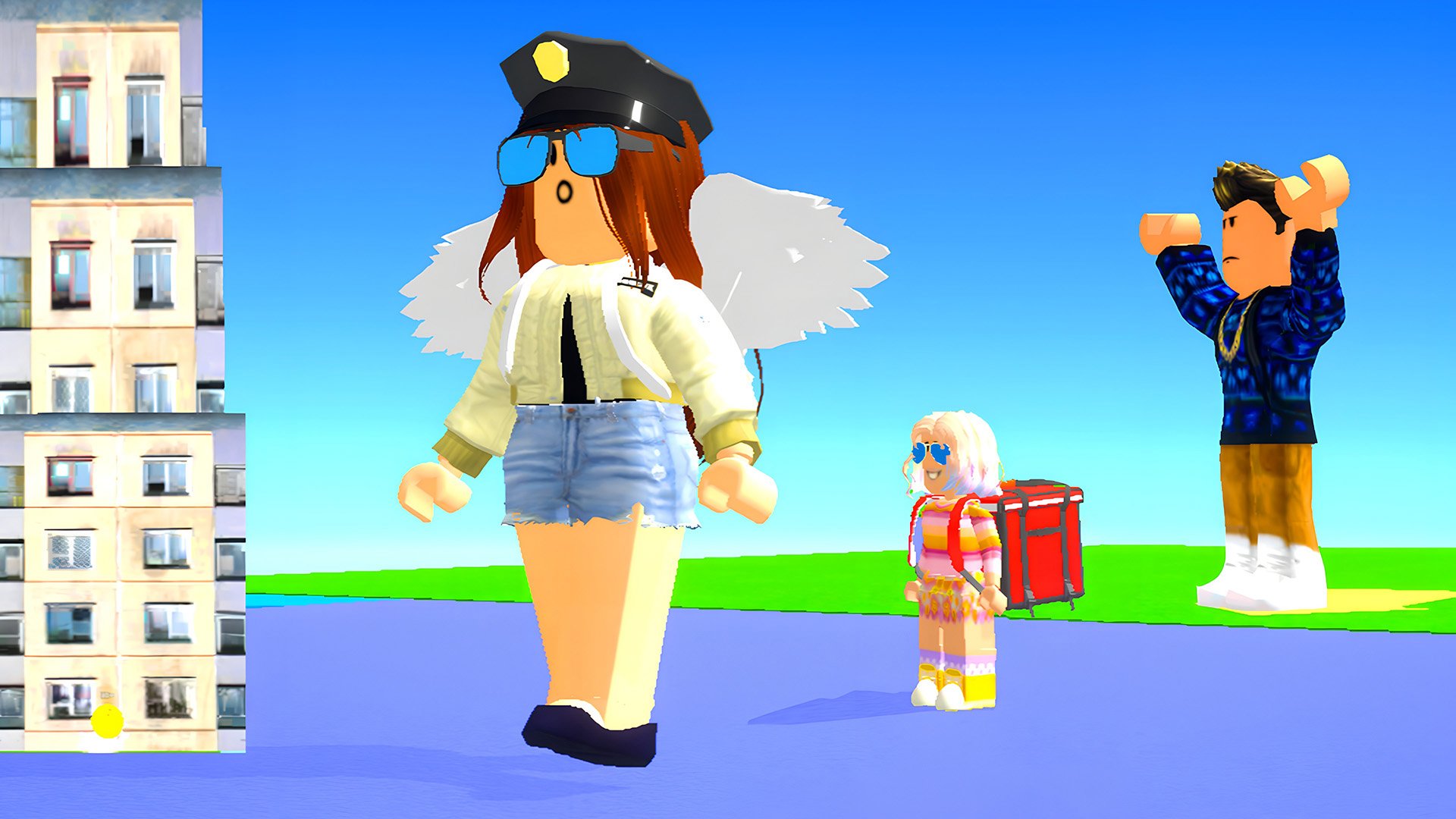
Play Obby Easy Grow! online in this arcade game from the approved Playgama catalog. A game in Roblox style with the Obby mode! Complete exciting and varied obstacle courses for a while, using checkpoints to save your progress and not start all over again if you accidentally fall. Incredible challenges and unique mechanics await you here! The main feature of the game is the ability to change the size of the character to overcome obstacles and find a way to the finish. The game has a large selection of characters and deep customization: choose the appearance, clothes and accessories to create a unique hero. Each level is a new challenge, where it is important not only to complete the track, but also to do it faster than everyone else. Watch the timer and improve your results to become the best in this game. Nice graphics with bright colors and detailed levels make the game visually.
Play now

No install. Loads after your click.

About the game

Play Obby Easy Grow! online

Play Obby Easy Grow! online in this arcade game from the approved Playgama catalog. A game in Roblox style with the Obby mode! Complete exciting and varied obstacle courses for a while, using checkpoints to save your progress and not start all over again if you accidentally fall. Incredible challenges and unique mechanics await you here! The main feature of the game is the ability to change the size of the character to overcome obstacles and find a way to the finish. The game has a large selection of characters and deep customization: choose the appearance, clothes and accessories to create a unique hero. Each level is a new challenge, where it is important not only to complete the track, but also to do it faster than everyone else. Watch the timer and improve your results to become the best in this game. Nice graphics with bright colors and detailed levels make the game visually.
Controls & objective

How to play

The goal of the game: complete the game for a while. You can change the size of the character by moving the slider on the screen, as well as using the mouse wheel Hold RMB to rotate the camera (with the cursor visible). Controls: Shift - show cursor WASD - move. Space - jump. TAB - pause. F - push the enemy Mouse wheel forward/backward - change size On the phone: Use the game interface

Source: Playgama partner catalog · Provider page