PLAY MODE
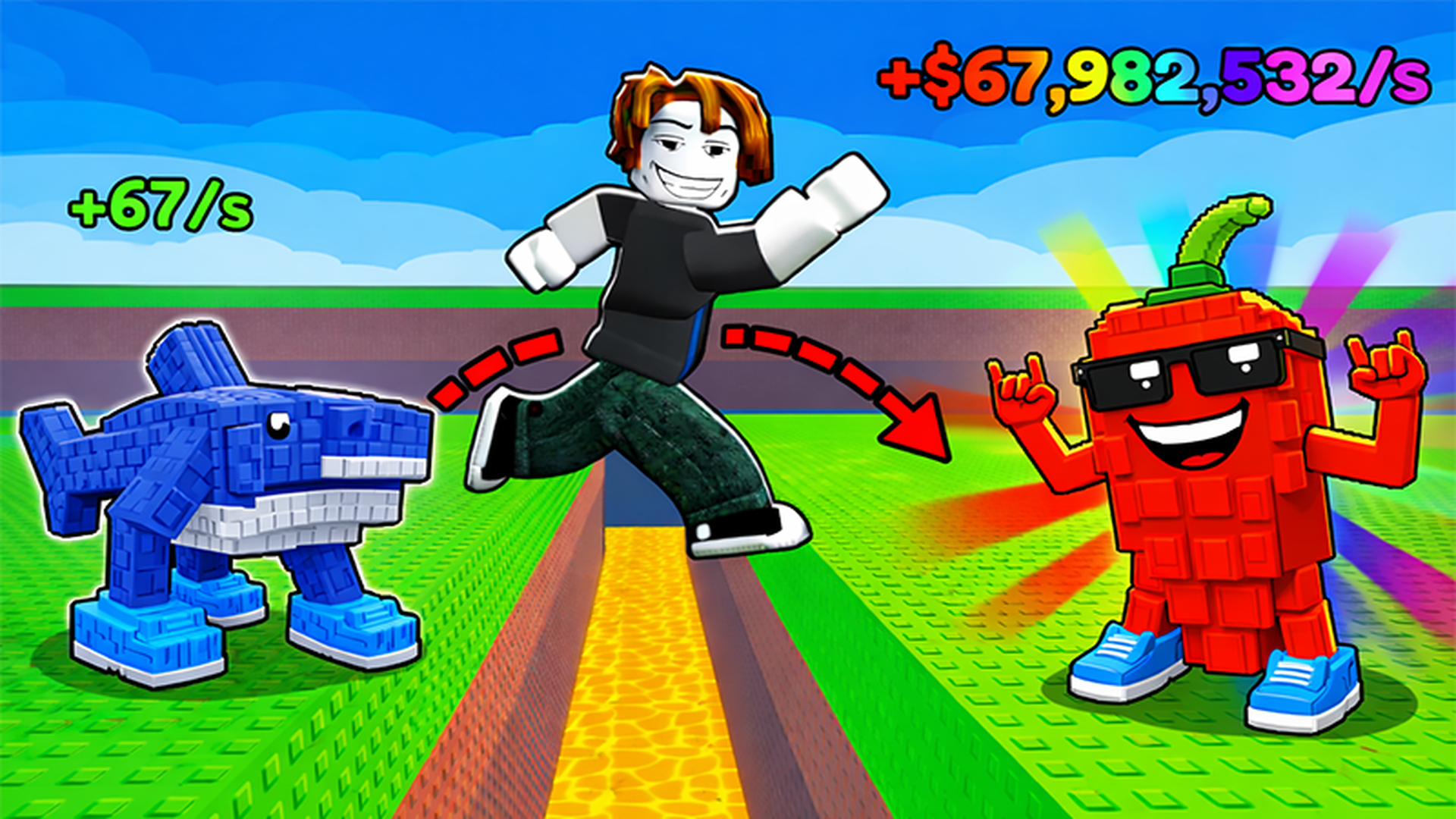
Obby: Escape from Lava and Survive game artworkReady to play

Arcade · browser game

Obby: Escape from Lava and Survive

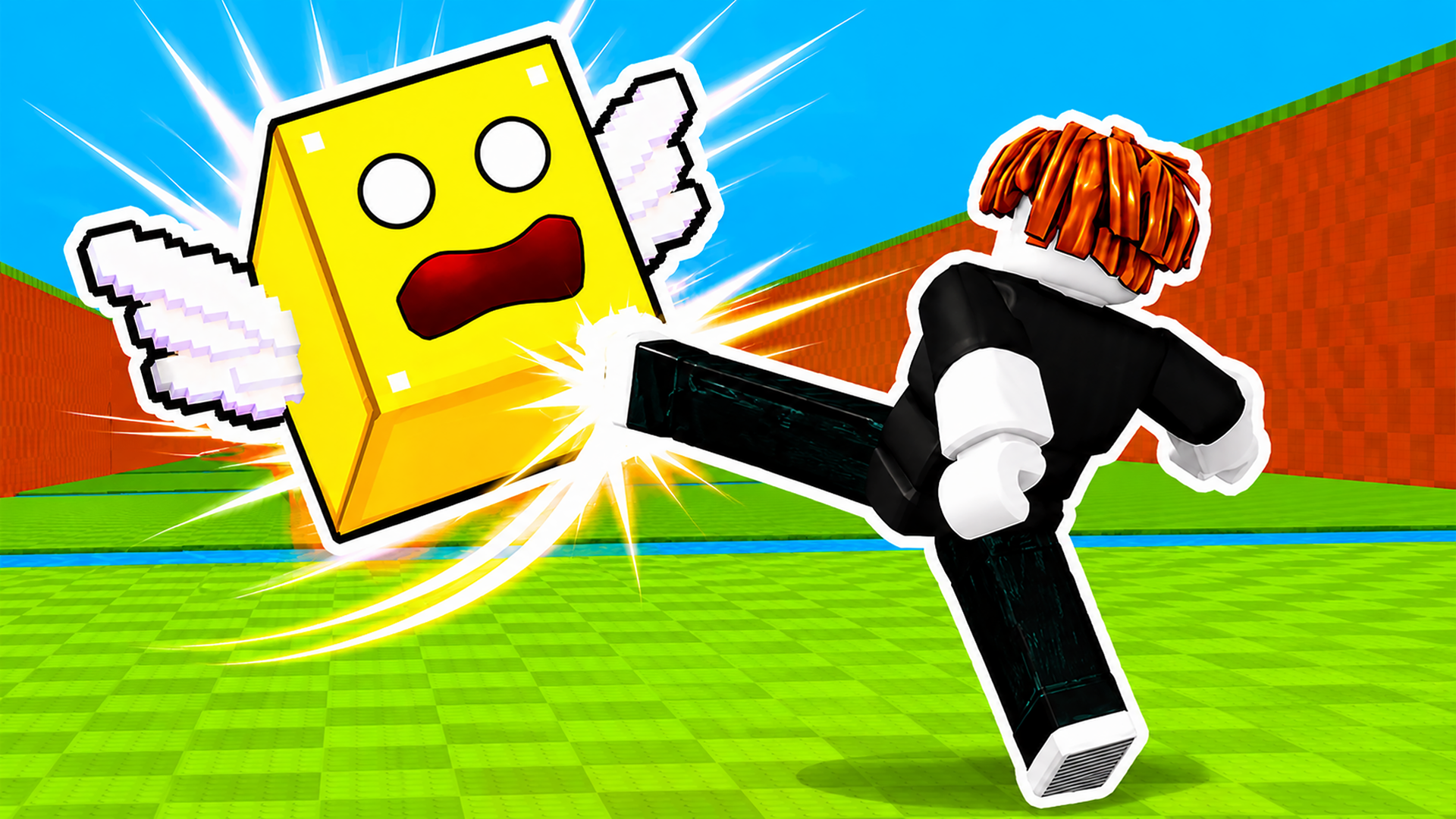
Play Obby: Escape from Lava and Survive online in this arcade game from the approved Playgama catalog. Run as fast as you can and catch animals along your path! 🏃 React quickly and don’t miss a single target. Avoid the rising lava and don’t let it catch you! 🌋 Every second counts—stay alert and keep moving forward. Rebirth to increase your jump height and unlock new возможностей! ⚡ With each rebirth, you become stronger, faster, and more resilient. Upgrade your brainrots to earn even more money! 💸 Improve your abilities and become a true master of the game! How to play: For PC 🖥️: Use the WASD keys to control the character and the right mouse button to rotate the view. You can zoom the camera in and out using the mouse wheel. On mobile devices 📱: a joystick will be available for movement, jump button and you can rotate the camera with your finger.

Play now

No install. Loads after your click.

About the game

Play Obby: Escape from Lava and Survive online

Play Obby: Escape from Lava and Survive online in this arcade game from the approved Playgama catalog. Run as fast as you can and catch animals along your path! 🏃 React quickly and don’t miss a single target. Avoid the rising lava and don’t let it catch you! 🌋 Every second counts—stay alert and keep moving forward. Rebirth to increase your jump height and unlock new возможностей! ⚡ With each rebirth, you become stronger, faster, and more resilient. Upgrade your brainrots to earn even more money! 💸 Improve your abilities and become a true master of the game! How to play: For PC 🖥️: Use the WASD keys to control the character and the right mouse button to rotate the view. You can zoom the camera in and out using the mouse wheel. On mobile devices 📱: a joystick will be available for movement, jump button and you can rotate the camera with your finger.

Controls & objective

How to play

For PC 🖥️: Use the WASD keys to control the character and the right mouse button to rotate the view. You can zoom the camera in and out using the mouse wheel. On mobile devices 📱: a joystick will be available for movement, jump button and you can rotate the camera with your finger.

Source: Playgama partner catalog · Provider page