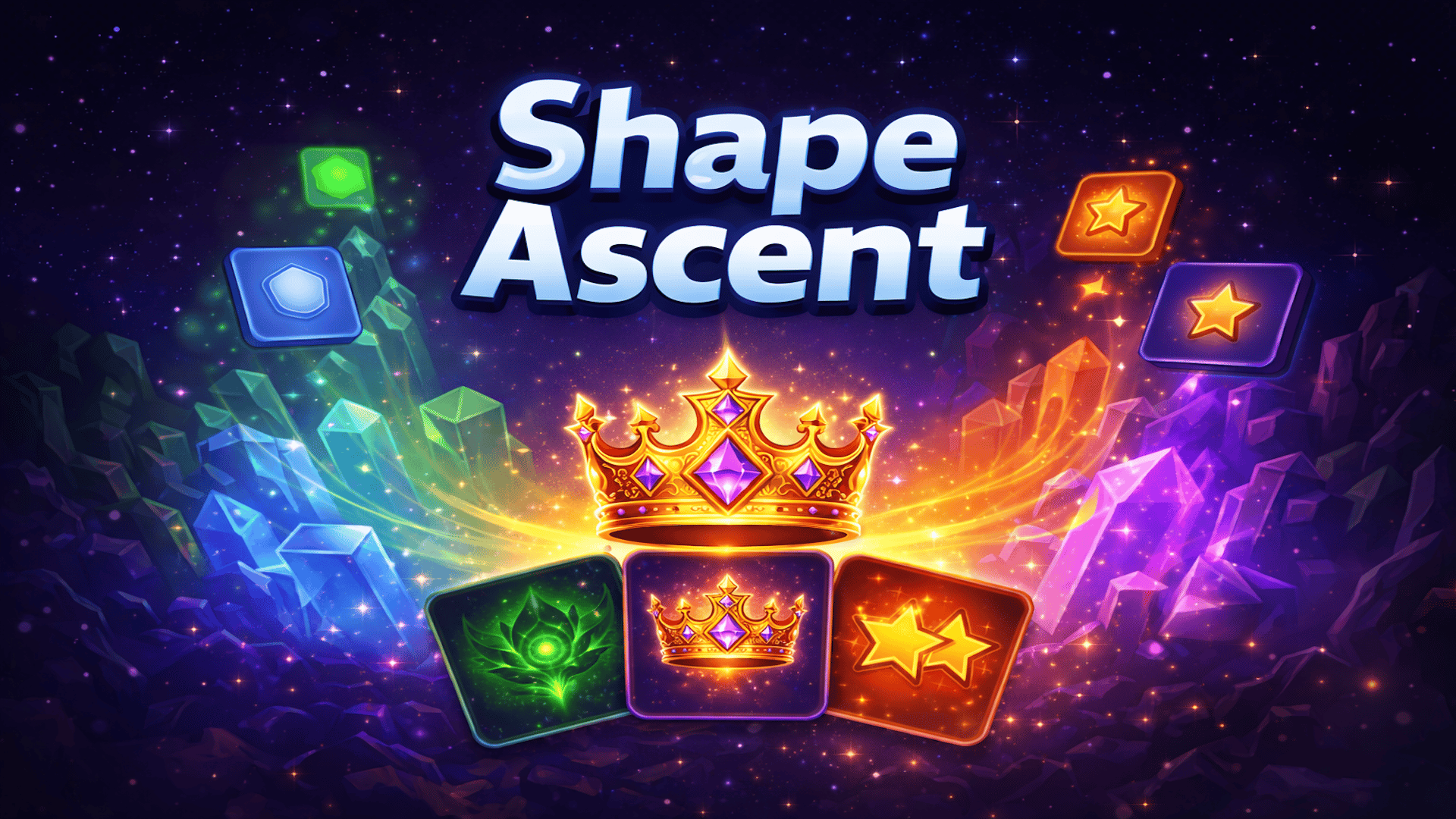
Play Shape Ascent - Roguelite online in this puzzle game from the approved Playgama catalog. Shape Ascent is a strategic puzzle game inspired by 2048, where you merge geometric shapes on a 5×5 grid to reach the legendary Ascent Crown. Starting with simple Triangles and Squares, you'll combine matching shapes by swiping in four directions — merging them into Pentagons, Hexagons, Stars, Crystals, Essences, and ultimately the Ascent Crown (8128). How to play: Merge Shapes to Reach the Crown! In Shape Ascent, your goal is to merge identical shapes on a 5×5 grid to create higher-tier shapes and chase the ultimate prize — the Ascent Crown (8128).
Play Shape Ascent - Roguelite online in this puzzle game from the approved Playgama catalog. Shape Ascent is a strategic puzzle game inspired by 2048, where you merge geometric shapes on a 5×5 grid to reach the legendary Ascent Crown. Starting with simple Triangles and Squares, you'll combine matching shapes by swiping in four directions — merging them into Pentagons, Hexagons, Stars, Crystals, Essences, and ultimately the Ascent Crown (8128). How to play: Merge Shapes to Reach the Crown! In Shape Ascent, your goal is to merge identical shapes on a 5×5 grid to create higher-tier shapes and chase the ultimate prize — the Ascent Crown (8128).
Controls & objective
How to play
Merge Shapes to Reach the Crown!
In Shape Ascent, your goal is to merge identical shapes on a 5×5 grid to create higher-tier shapes and chase the ultimate prize — the Ascent Crown (8128). Two matching shapes combine into the next tier when they collide. Plan your moves carefully: when the board fills up with no possible merges, it's game over!
Every few moves, you'll be offered a choice of Power Cards with unique abilities. Choose wisely — cards like Score Boost, Star Boost, Spawn Block, and Emergency Save can change the course of your run. Use the Undo button to reverse a mistake, or the Remove Tile tool (unlocked at Triple Star) to clear an unwanted piece from the board.
Desktop Controls:
↑ (Up Arrow) or W: Move all tiles upward.
↓ (Down Arrow) or S: Move all tiles downward.
← (Left Arrow) or A: Move all tiles left.
→ (Right Arrow) or D: Move all tiles right.
U: Use an Undo charge.
Mobile Controls:
Swipe Up: Move all tiles upward.
Swipe Down: Move all tiles downward.
Swipe Left: Move all tiles left.
Swipe Right: Move all tiles right.
Tap the Undo button (↩) to reverse your last move.
Tap the Remove button (✖) to select and remove a tile from the board.
Tap the Settings gear (⚙) to adjust sound, language, or restart the game.