PLAY MODE
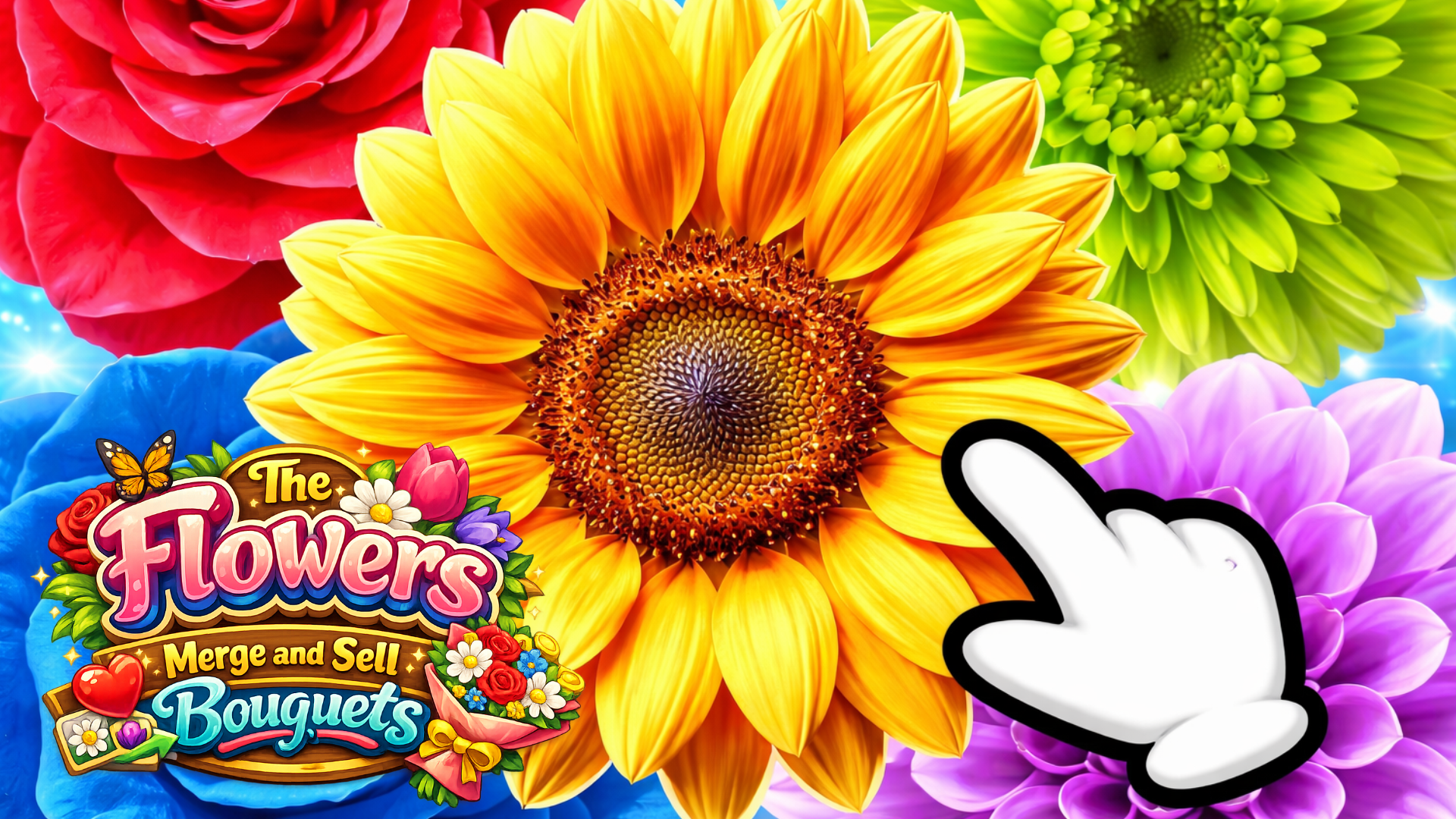
The Flowers Merge and Sell Bouquets game artworkReady to play

Puzzle · browser game

The Flowers Merge and Sell Bouquets

Play The Flowers Merge and Sell Bouquets online in this puzzle game from the approved Playgama catalog. Combine flowers in the relaxing atmosphere of a summer garden and earn coins! Sell your bouquets to customers and clear your garden of unwanted flowers with your pruning shears! Earn more coins than other players to take a place on the leaderboard! How to play: 1. The entire game takes place in a doorway-shaped play area. 2. A flower appears at the top, which moves with your finger or mouse cursor. 3. Release the mouse button or your finger to make the flower fly down. 4. Make the identical flowers collide and then they will join together to become another flower. 5. When the letter icon appears at the top of the screen, it means you have received an order for a new bouquet.
Play now

No install. Loads after your click.

About the game

Play The Flowers Merge and Sell Bouquets online

Play The Flowers Merge and Sell Bouquets online in this puzzle game from the approved Playgama catalog. Combine flowers in the relaxing atmosphere of a summer garden and earn coins! Sell your bouquets to customers and clear your garden of unwanted flowers with your pruning shears! Earn more coins than other players to take a place on the leaderboard! How to play: 1. The entire game takes place in a doorway-shaped play area. 2. A flower appears at the top, which moves with your finger or mouse cursor. 3. Release the mouse button or your finger to make the flower fly down. 4. Make the identical flowers collide and then they will join together to become another flower. 5. When the letter icon appears at the top of the screen, it means you have received an order for a new bouquet.
Controls & objective

How to play

1. The entire game takes place in a doorway-shaped play area. 2. A flower appears at the top, which moves with your finger or mouse cursor. 3. Release the mouse button or your finger to make the flower fly down. 4. Make the identical flowers collide and then they will join together to become another flower. 5. When the letter icon appears at the top of the screen, it means you have received an order for a new bouquet.
Source: Playgama partner catalog · Provider page