PLAY MODE
Tile Pop : Block Blast game artworkReady to play

Puzzle · browser game

Tile Pop : Block Blast

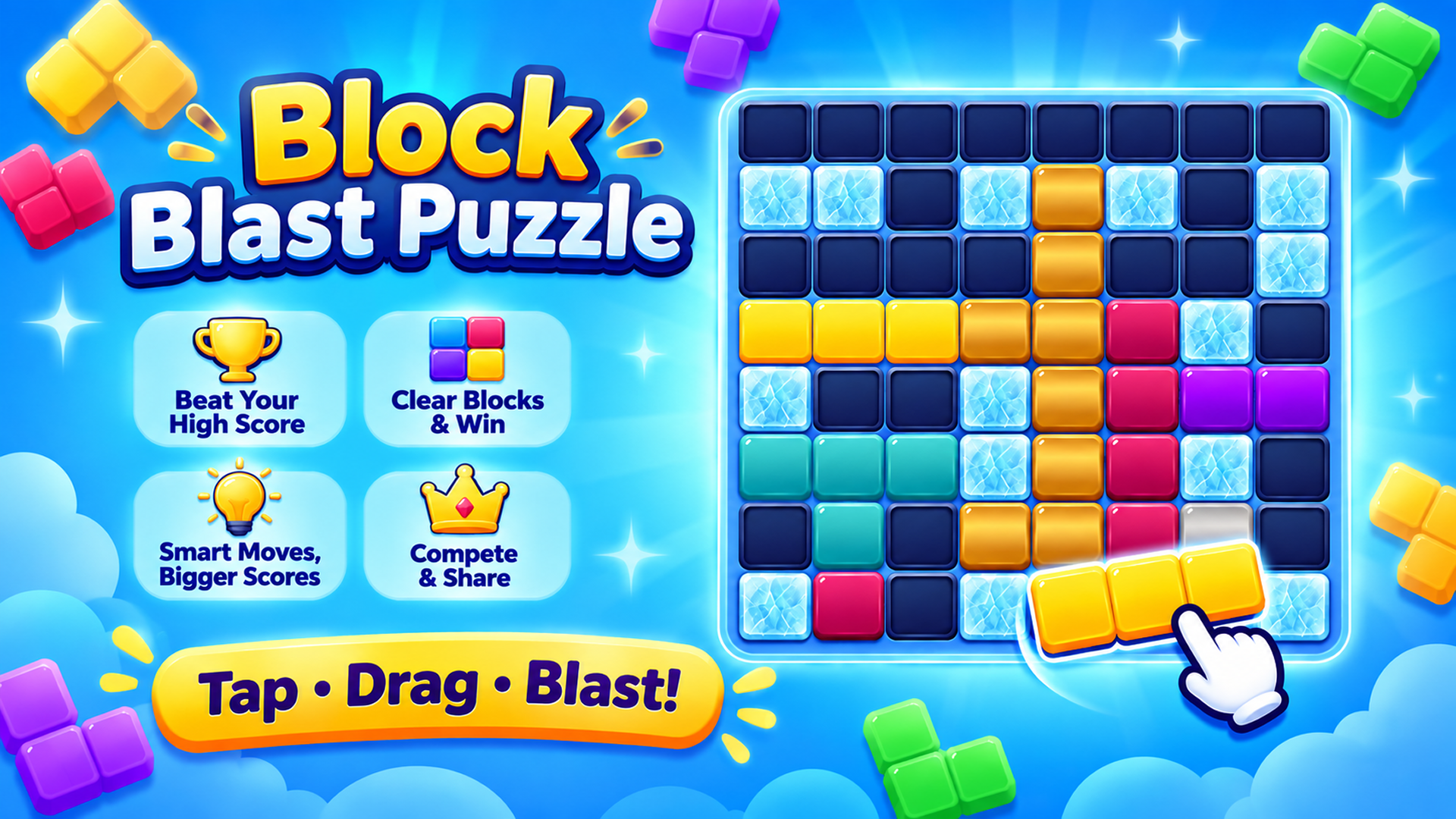
Play Tile Pop : Block Blast online in this puzzle game from the approved Playgama catalog. Tile Pop is a relaxing yet strategic block puzzle game that challenges your thinking with satisfying gameplay, colorful themes, and endless replayability. Drag and place beautifully designed block pieces onto the board to complete rows and columns, clear space, and achieve your highest score. Every move matters, so plan carefully and build massive combos to keep the board alive. Whether you're looking for a calm puzzle experience or a tougher strategic challenge, Tile Pop offers multiple ways to play. 🎮 Game Modes 🧩 Classic Mode Endless block puzzle gameplay. Beat your personal best score. Relaxing, easy to learn, difficult to master. ⚔️ Adventure Mode A unique endless challenge where random obstacles appear throughout the game. Face Frozen Ice, Vines, Spider Webs, Stone Blocks, Chains, Slime.
Play now

No install. Loads after your click.

About the game

Play Tile Pop : Block Blast online

Play Tile Pop : Block Blast online in this puzzle game from the approved Playgama catalog. Tile Pop is a relaxing yet strategic block puzzle game that challenges your thinking with satisfying gameplay, colorful themes, and endless replayability. Drag and place beautifully designed block pieces onto the board to complete rows and columns, clear space, and achieve your highest score. Every move matters, so plan carefully and build massive combos to keep the board alive. Whether you're looking for a calm puzzle experience or a tougher strategic challenge, Tile Pop offers multiple ways to play. 🎮 Game Modes 🧩 Classic Mode Endless block puzzle gameplay. Beat your personal best score. Relaxing, easy to learn, difficult to master. ⚔️ Adventure Mode A unique endless challenge where random obstacles appear throughout the game. Face Frozen Ice, Vines, Spider Webs, Stone Blocks, Chains, Slime.

Controls & objective

How to play

🖥️ Desktop (Mouse) Select & Drag: Click and hold Left Mouse Button on any of the 3 available blocks at the bottom of the screen, then drag it onto the grid. Place Block: Release the mouse button over valid highlighted grid cells to drop the block. 📱 Mobile (Touch Screen) Select & Drag: Touch and hold your finger on any block shape at the bottom, then slide your finger to position it on the grid. Place Block: Lift your finger when the block aligns over open grid cells.

Source: Playgama partner catalog · Provider page